WhatsApp Link for Business: How to Create a wa.me Link With a Ready Message
"Message us on WhatsApp" loses customers, because they have to save your number, open a chat and type. A WhatsApp link does all of that in one tap.
In Egypt, most orders and bookings start with a WhatsApp chat. But every extra step before that chat costs you customers: saving the number, finding it, then thinking of a first message. A WhatsApp link removes all of that: the customer taps, the chat with you opens, and a message is already waiting.
What is a WhatsApp link?
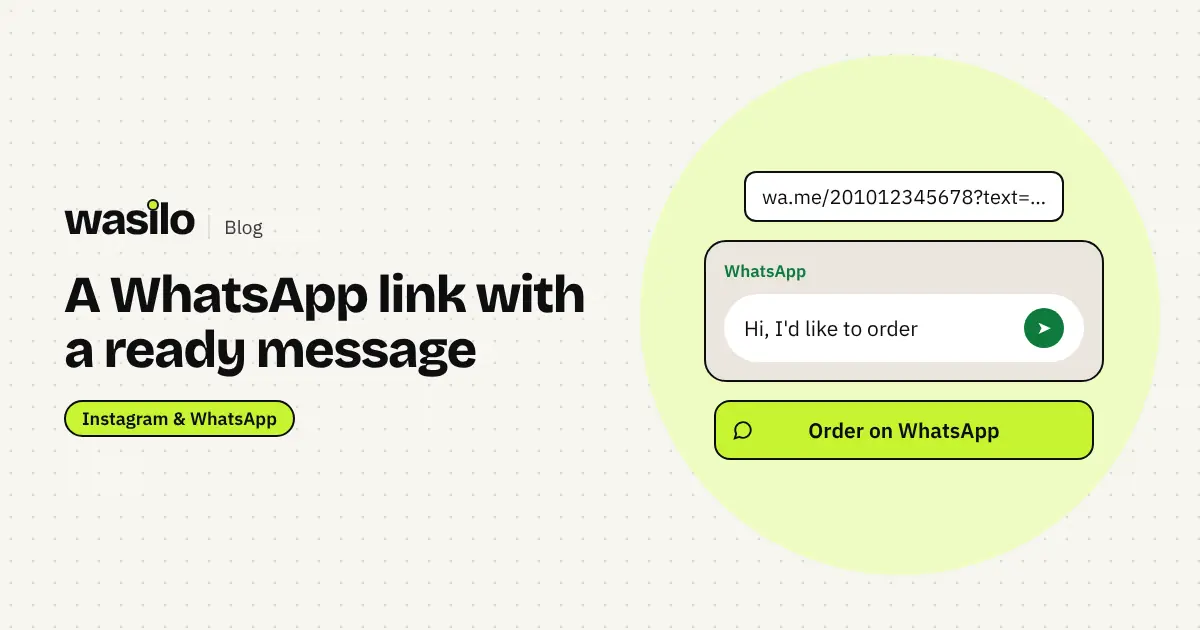
A link in the form https://wa.me/ followed by your number in international format. Opened on a phone, it takes the customer straight to a chat with you without saving the number. You can also add a ready message that appears in the typing box, so the customer only has to tap send.
How to write an Egyptian number in the link
Use international format, with no + sign and no leading zero:
| How you write it | In the WhatsApp link |
|---|---|
| 01012345678 | 201012345678 |
| +20 101 234 5678 | 201012345678 |
So the link becomes: https://wa.me/201012345678
Adding a ready message
Add ?text= followed by your message. Spaces and Arabic letters need URL encoding, which is why it's easiest to let a tool build the link for you. Messages that shorten the conversation:
- Restaurant or bakery: "Hi, I'd like to order"
- Salon or clinic: "Hi, I'd like to book an appointment"
- Clothing brand: "Hi, I have a question about sizes"
- Services: "Hi, I'd like details and the price"
A ready message helps shy customers start, and tells you from the first line what they want.
Where to put your WhatsApp link
- On your link-in-bio page as the first button, with a clear label like "Order on WhatsApp". See the link in bio for business guide.
- In posts and stories as a link sticker.
- In ads whose goal is messages.
- On boxes, menus and cards as a QR code that opens your page or chat. Details in the QR codes for shops guide.
- In your email signature and your Google business profile.
The WhatsApp button on Wasilo
On Wasilo you add a "WhatsApp" block to your page: type your number the usual way (like 01012345678), the button label, and a ready message of up to 300 characters. The page converts the number to international format and builds the right link itself. You can add a "Call us" button next to it for people who prefer to call.
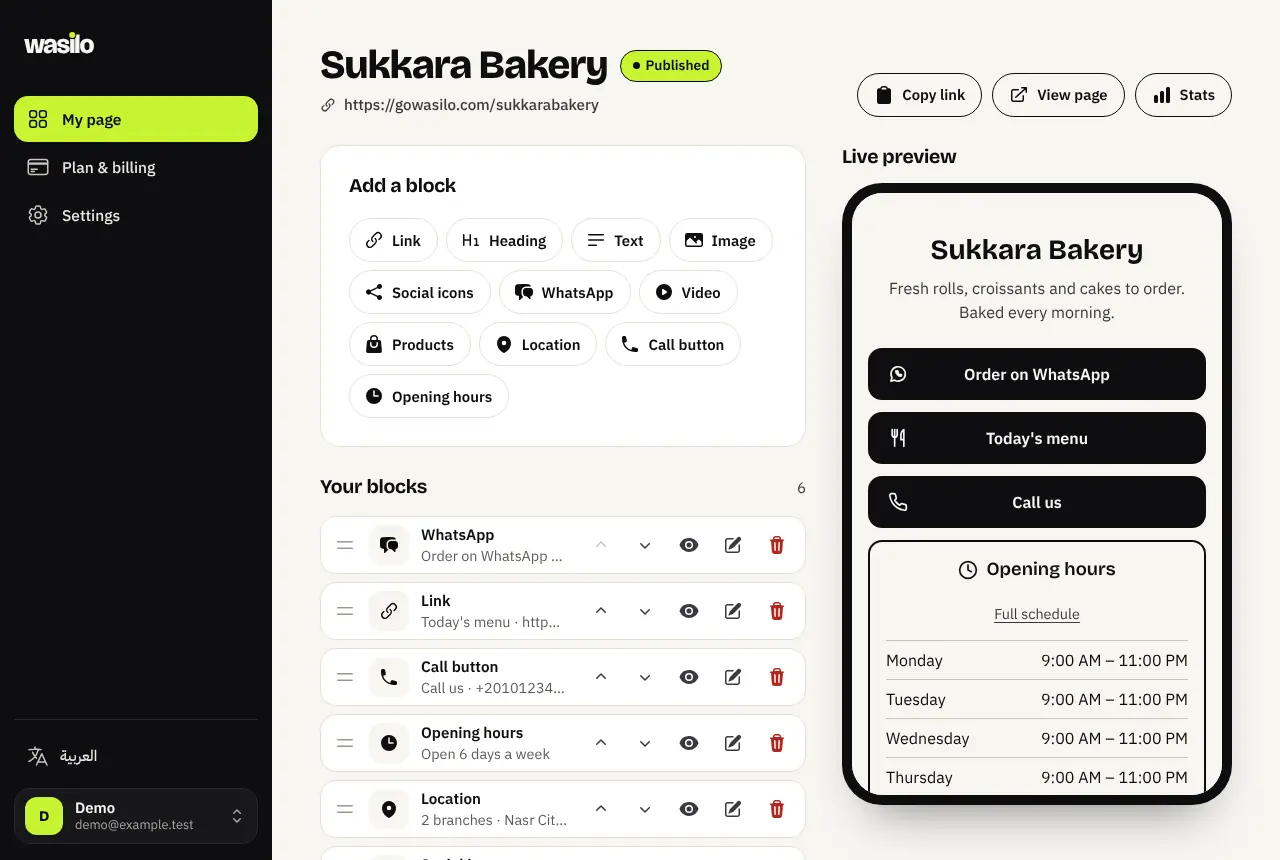
From Basic, you can see how many times people tapped the WhatsApp button specifically, so you know whether it's in the right place.
Mistakes that stop the chat
- Keeping the leading zero or the + sign in the link, so it opens the wrong number or nothing.
- A personal number instead of the business number. Keep sales separate if you can, and use WhatsApp Business for quick replies.
- A very long ready message. One line is enough.
- Nobody replies. The link brings the chat; a fast reply turns it into an order. Set reply hours and show them on your page.
If you want campaigns that bring WhatsApp chats from new customers, read this comparison of Google Ads and Meta Ads from OBELIX Agency.
Frequently asked questions
Does a WhatsApp link work with WhatsApp Business?
Yes. The same link opens the chat whether your number is on regular WhatsApp or WhatsApp Business.
Is the ready message sent automatically?
No. It appears in the typing box, and the customer decides to send it as is or edit it.
Can I have more than one WhatsApp button?
Yes, for example one for orders and one for bookings with different messages, or a number per branch.