Link in Bio for Business: Build One Page That Turns Followers Into Customers
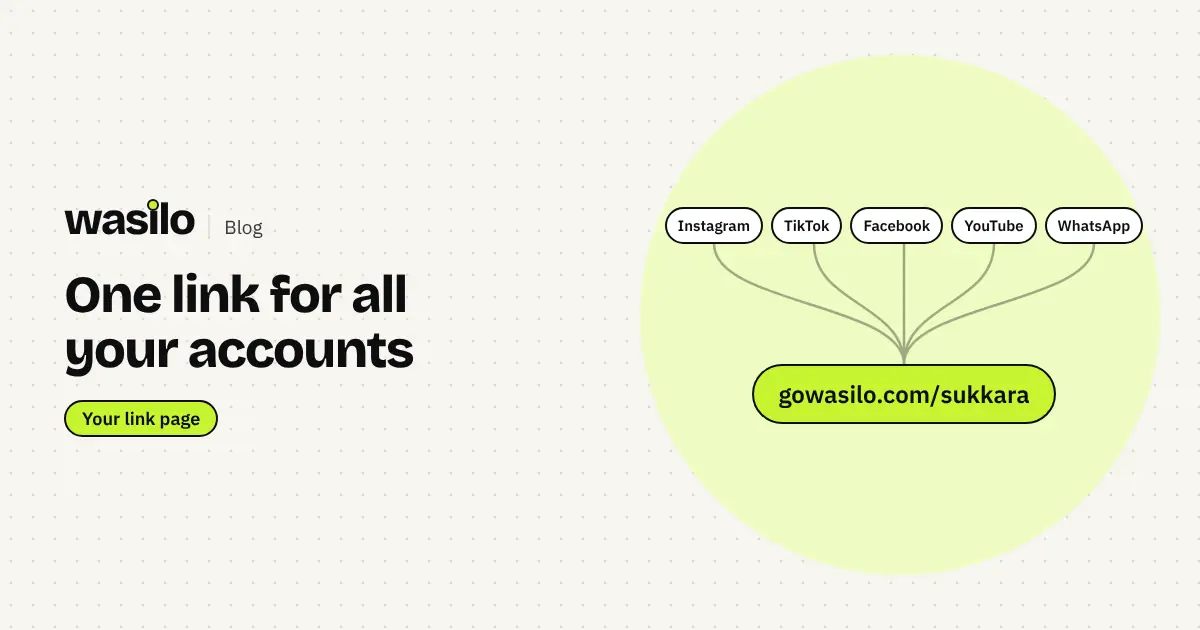
Instagram and TikTok give you one link in your bio. Used well, it becomes the most important button on your profile: where customers order, find you and get in touch.
Most customers discover your business on Instagram, TikTok or Facebook. On all of them, the only clickable spot on your profile is the link in bio. Put another profile there, or a heavy website that loads slowly, and you lose a customer who was ready to order.
What is a link in bio?
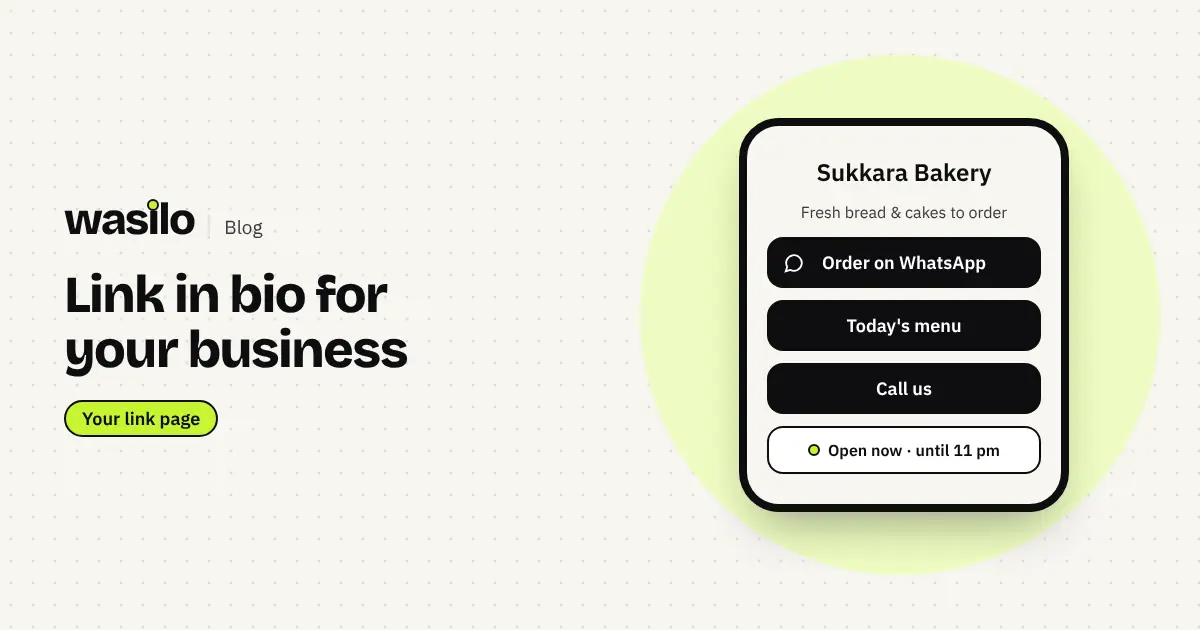
A small page with a short link that holds everything a customer needs to contact you or buy: a WhatsApp button, your phone number, your menu or prices, your branch location, opening hours and your other accounts. You put its link in your bio, and everyone who taps it finds everything in one place.
Why does a business need one?
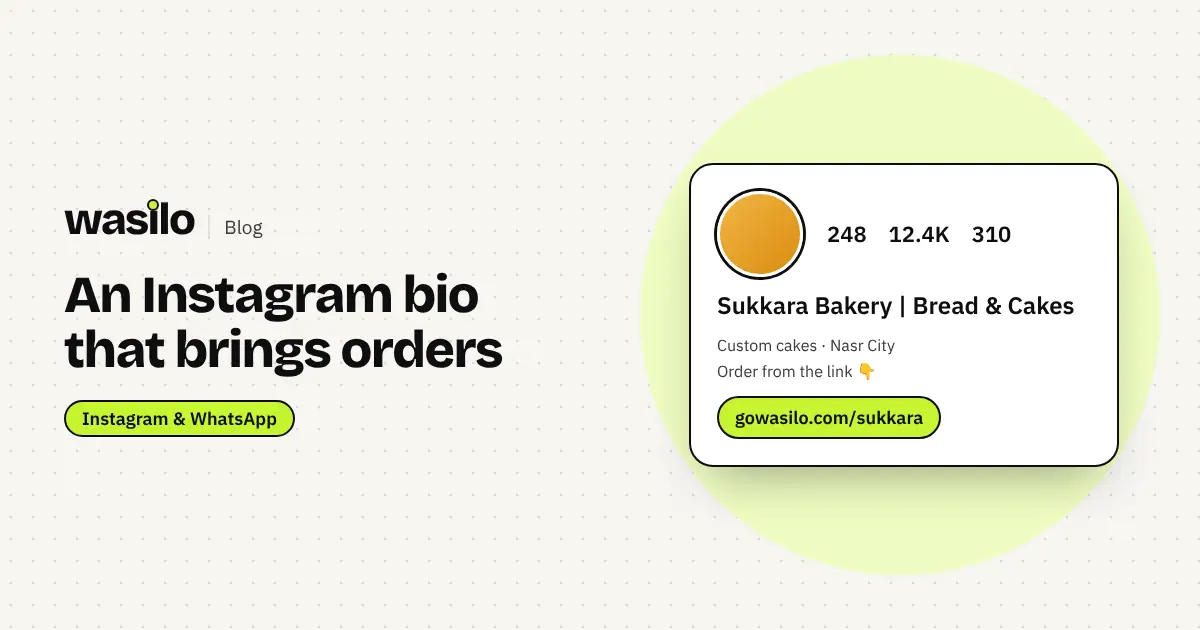
- One link for everything. Instagram gives you a single clear link slot in your bio.
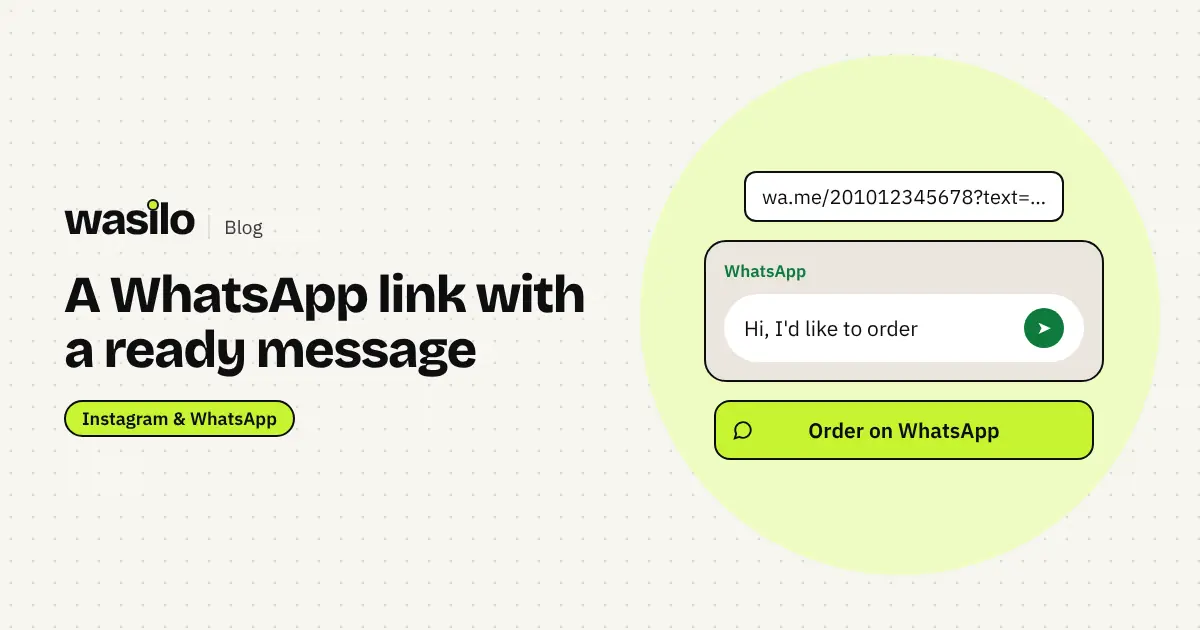
- Fewer steps to order. One tap on the WhatsApp button starts a chat with a ready message.
- Answers before the question. Address, hours and prices are visible, so you get fewer "where are you?" and "how late are you open?" messages.
- A permanent link. Print it on cards and boxes, and change the page whenever you like without changing the link.
What to put on your link page
Button order matters, because most people only tap the first one or two:
| Order | Button | Why |
|---|---|---|
| 1 | Order or book on WhatsApp | The main goal for most businesses in Egypt |
| 2 | Menu, prices or products | Customers want to know before they ask |
| 3 | Call us | For people who prefer a call |
| 4 | Opening hours | "Open now" saves a whole question |
| 5 | Branches and directions | Opens the map straight to the branch |
| 6 | Other accounts | TikTok, Facebook, YouTube |
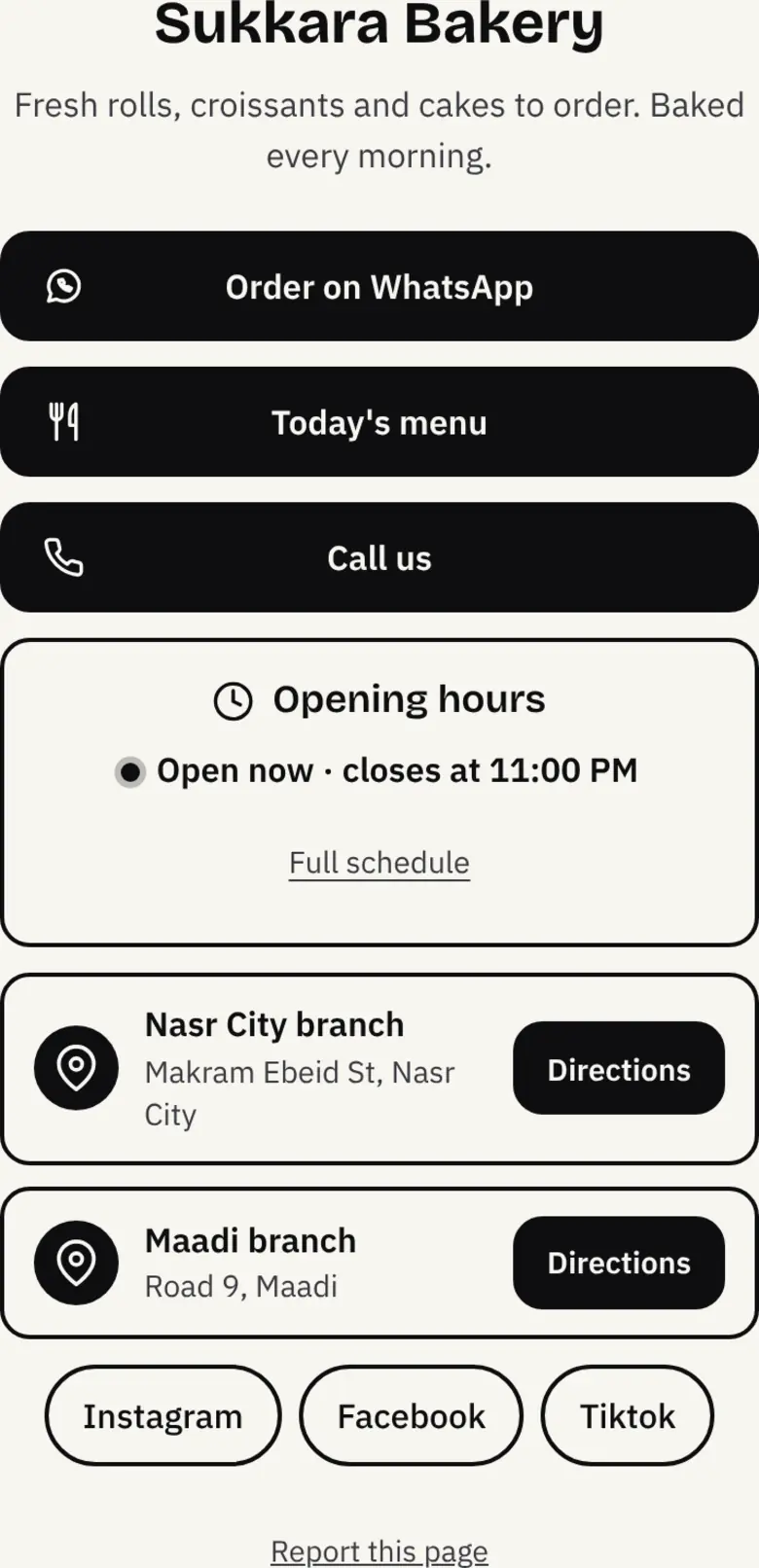
How to build your link-in-bio page
- Pick a short name for your link. Your business name in English letters with no spaces, ideally matching your Instagram handle, so it's easy to remember.
- Write one line about what you offer. "Fresh rolls and cakes to order, baked every morning" beats "Welcome".
- Add a WhatsApp button with a ready message, such as "Hi, I'd like to order". Details in the WhatsApp link for business guide.
- Add your menu or prices. A link to a file or page, or photos of your products.
- Add branches and hours. A nearby customer decides fast when they know you're open now.
- Share the link. In your bio, WhatsApp status, stories, and on your packaging as a QR code.
Link in bio or a full website?
| Link-in-bio page | Full website | |
|---|---|---|
| Setup time | Minutes | Usually weeks |
| Cost | Free or a small subscription | Design, development and hosting |
| Speed on mobile | Very light | Depends on the build |
| Content | Buttons, links and key details | Pages, services and a blog |
| Best for | Businesses that sell through social and WhatsApp | Companies that need a full presence on Google |
Many businesses end up needing both. When you get there, read this guide to website design for your business from OBELIX Agency.
How much does a link page cost on Wasilo?
Prices as of November 2026 (always check the pricing page):
- Free: one page, up to 5 links and a WhatsApp button, no card needed. Free pages show "Made with wasilo" at the bottom.
- Basic at 99 EGP a month (990 EGP a year): unlimited links and page stats.
- Pro at 199 EGP a month (1,990 EGP a year): every theme, full stats, two pages, no Wasilo badge, a custom domain, and a product catalog customers order from on WhatsApp.
You pay in Egyptian pounds by mobile wallet or InstaPay.
Mistakes that lose customers
- Twenty buttons that all look equally important. Customers get lost. Put the top three first.
- Vague button labels. "Click here" says nothing. Write "Order on WhatsApp" or "Today's menu".
- Outdated links. A summer menu in winter, or a number nobody answers.
- No hours and no address. More messages and fewer visits.
Frequently asked questions
Can my link page be in Arabic?
Yes. On Wasilo each page has a language: Arabic, right to left, or English, left to right.
Do I need my own domain?
No. Your link lives on gowasilo.com under your name. A custom domain is available on Pro if you want one.
Will I know how many people opened my page?
Yes. Every Saturday morning you get a short email summary of the week. On Free it shows your views; from Basic, your dashboard also shows stats and taps on each button.