Google Maps Location Link for Your Shop: Get Customers to Your Branch in One Tap
"Send me the location" is one of the most common messages any shop gets. A clear location link for each branch, with your hours, saves the message and gets customers there without a call.
A customer saw a post, liked the product and decided to visit. First question: "Where are you?". If your reply is slow, or the address is a long description ("after the petrol station on the right"), there's a good chance they never arrive. A location link fixes that: one tap and the map opens at your door.
How to create a Google Maps link to your shop
- Open the Google Maps app and search for your shop, or long-press its exact spot on the map.
- Tap "Share".
- Copy the link.
If your shop doesn't appear on the map, the best next step is creating a Google business profile, so you show up for people searching for your type of business nearby.
If you have more than one branch
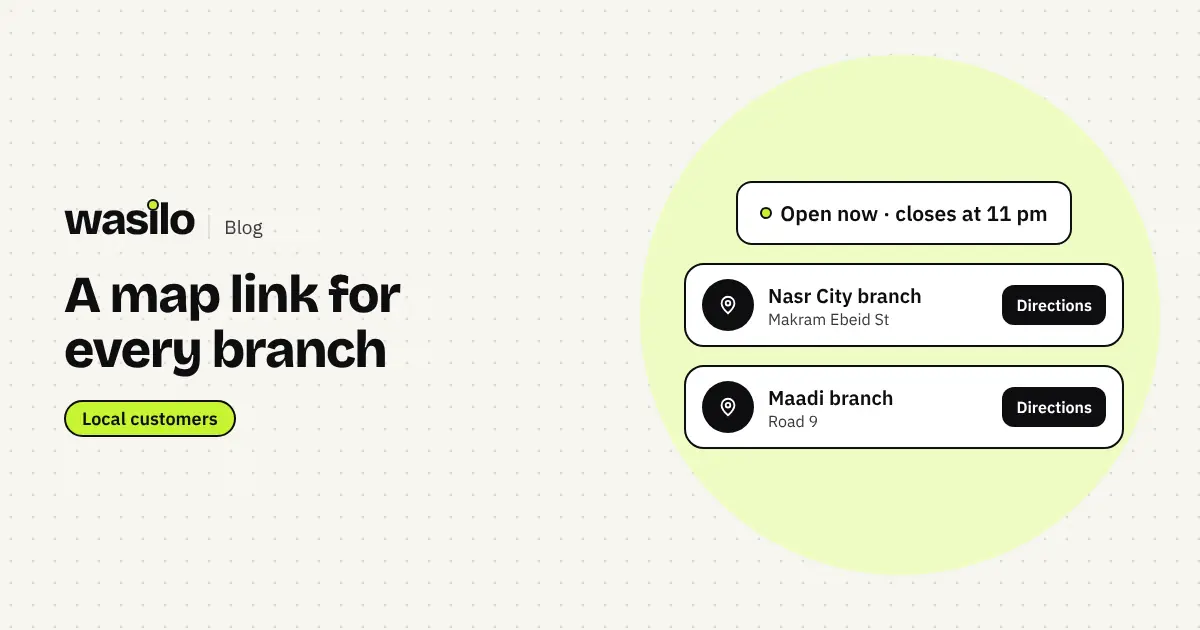
Give each branch a clear name, a short address and its own link, rather than only linking the main branch:
| Branch | Short address | Button |
|---|---|---|
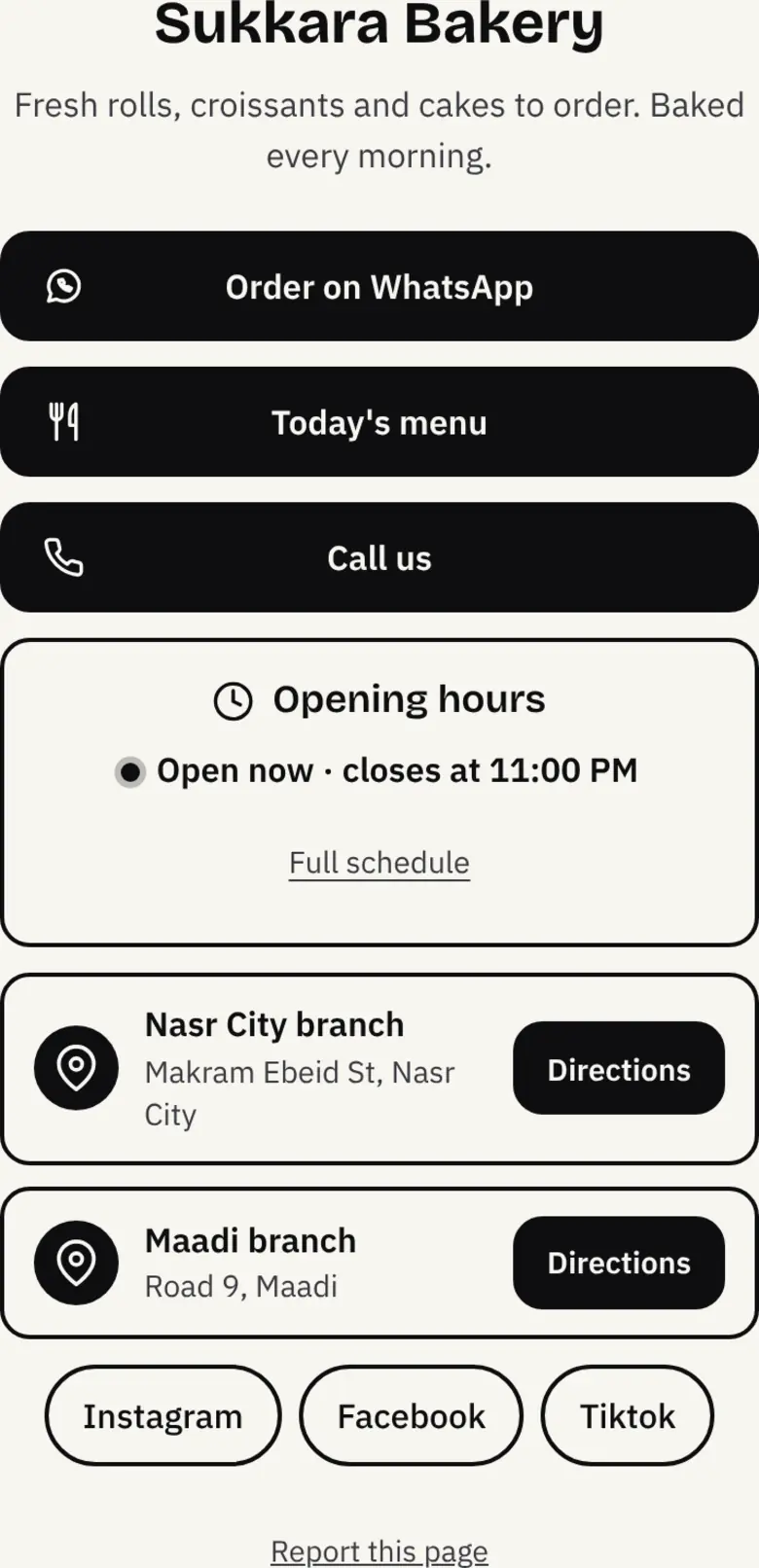
| Nasr City branch | Makram Ebeid St | Directions |
| Maadi branch | Road 9 | Directions |
Customers pick the nearest one without asking.
Opening hours are part of your location
Half of lost visits happen because the customer arrived to a closed shop, or worried they would and didn't go. Show your hours next to the address, ideally with an "Open now" or "Closed" status that updates by itself.
Location and hours on Wasilo
On Wasilo you add a "Location" block with up to 5 branches, each with a name, address and map link. Customers tap "Directions" and choose Google Maps, Apple Maps or Waze. The "Opening hours" block shows your weekly schedule, and the "Open now" status and closing time update automatically in your business's timezone.
Where to share your location link
- On your link-in-bio page, right under the WhatsApp button.
- In a WhatsApp Business quick reply for "where are you?".
- In a story highlight called "Branches".
- On a QR code in your shop window, as in the QR codes for shops guide.
- In ads that target the area around your branch.
Mistakes that lose customers on the way
- A link to a rough spot instead of your door.
- A new branch using the old branch's link.
- Ramadan and holiday hours not updated.
- An address in text only, with no link. Customers won't copy it and search.
If you want ads that bring customers from around your branch, read this comparison of Google Ads and Meta Ads from OBELIX Agency.
Frequently asked questions
Do I need a Google Maps link for each branch?
Yes, if you want customers to reach the right branch directly. On Wasilo every branch has its own link and address.
What if I don't have a map link for a branch?
You can add the address only, but adding the link makes the Directions button accurate.
Does "Open now" change by itself?
Yes. You set each day's hours once, and the status updates by the clock in your business's timezone.